

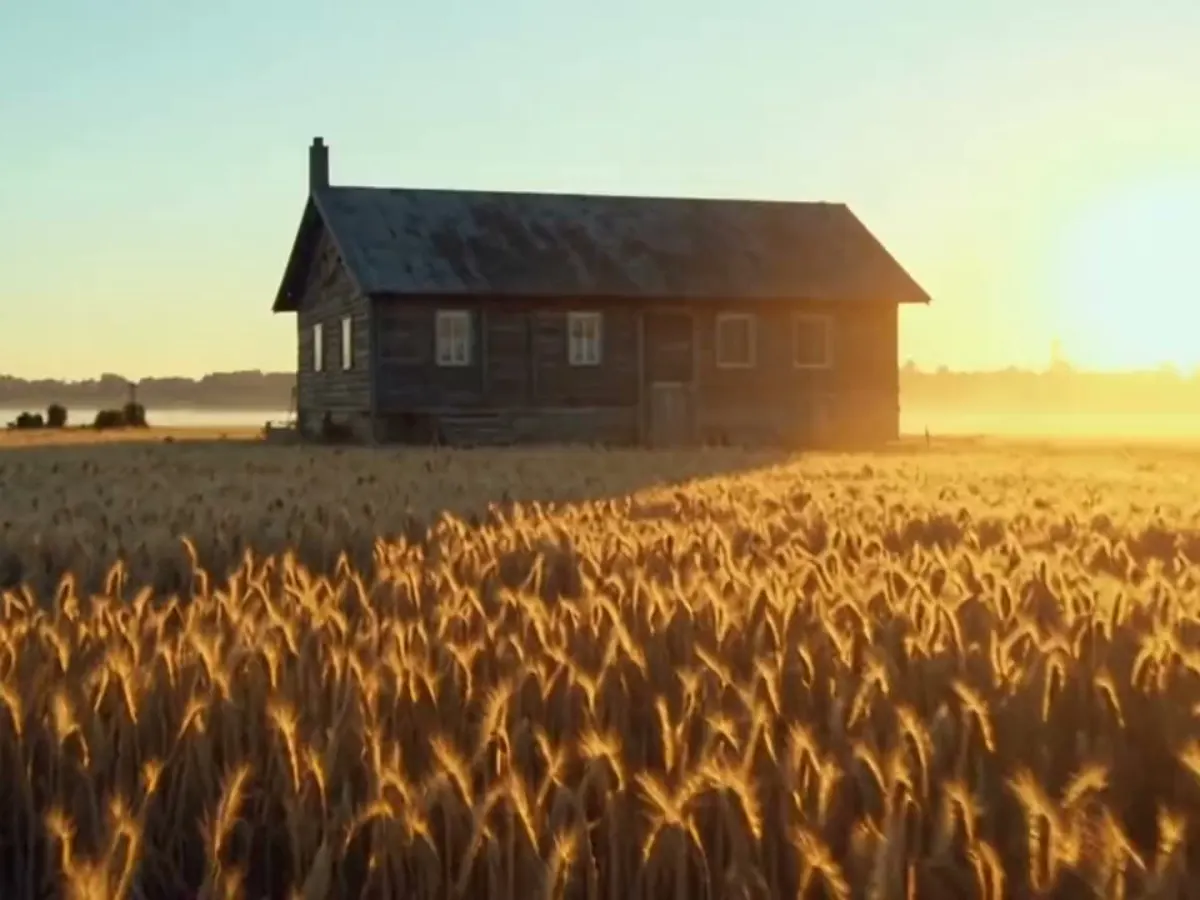

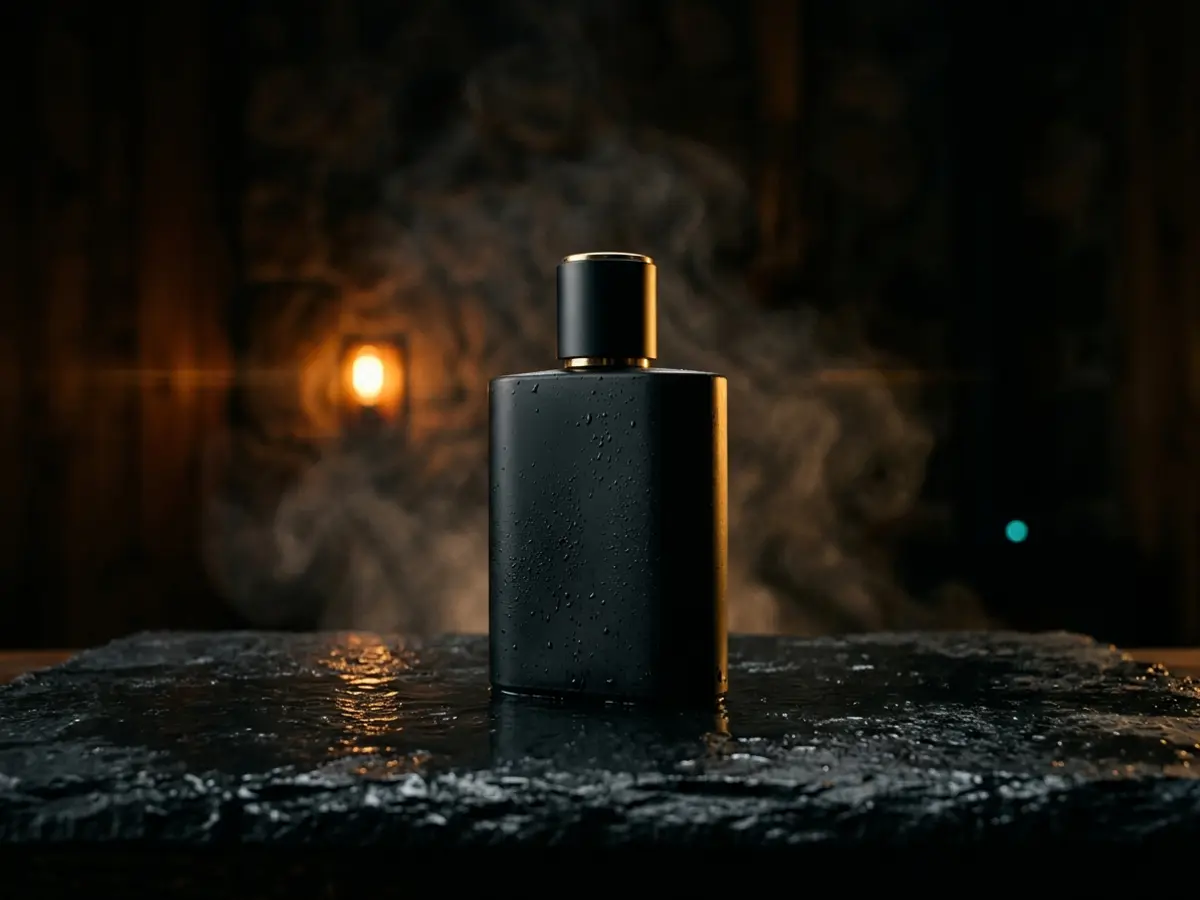
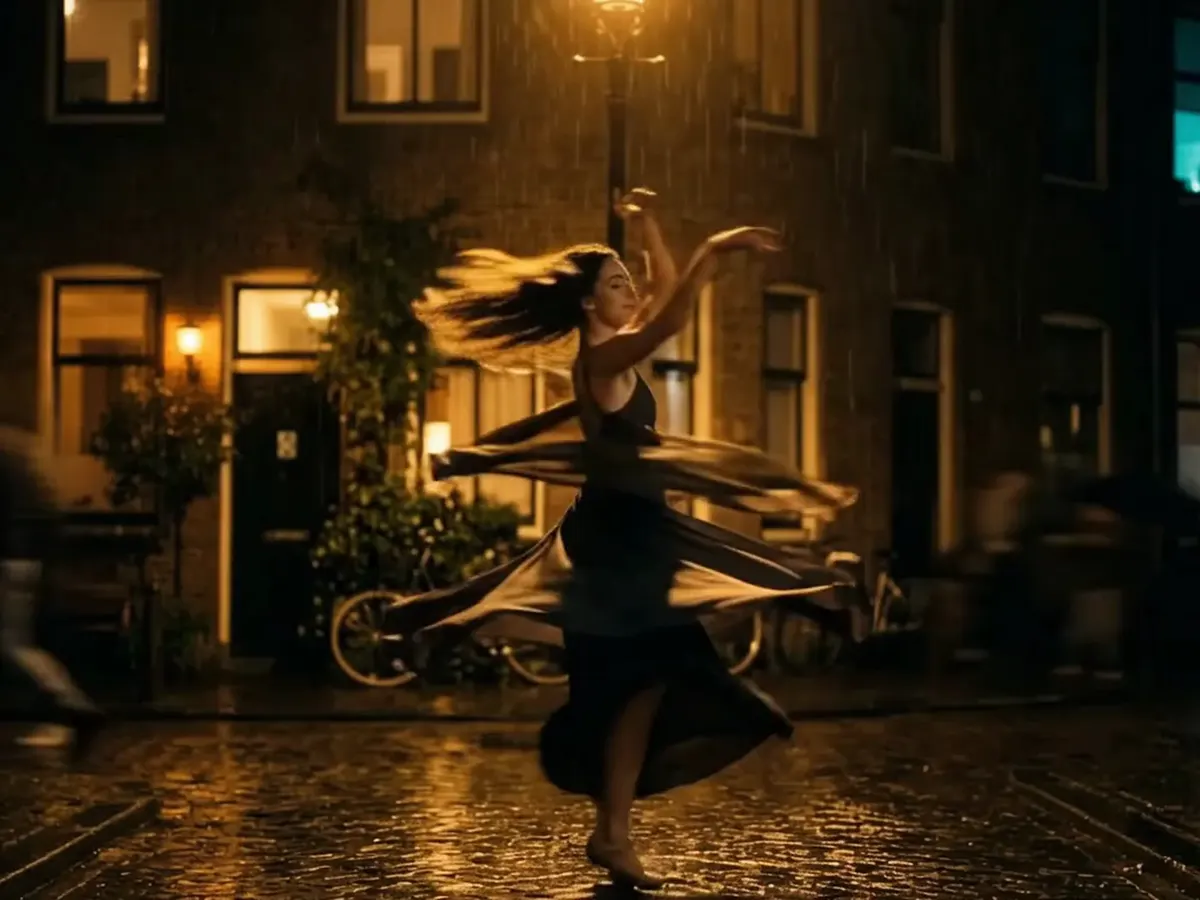

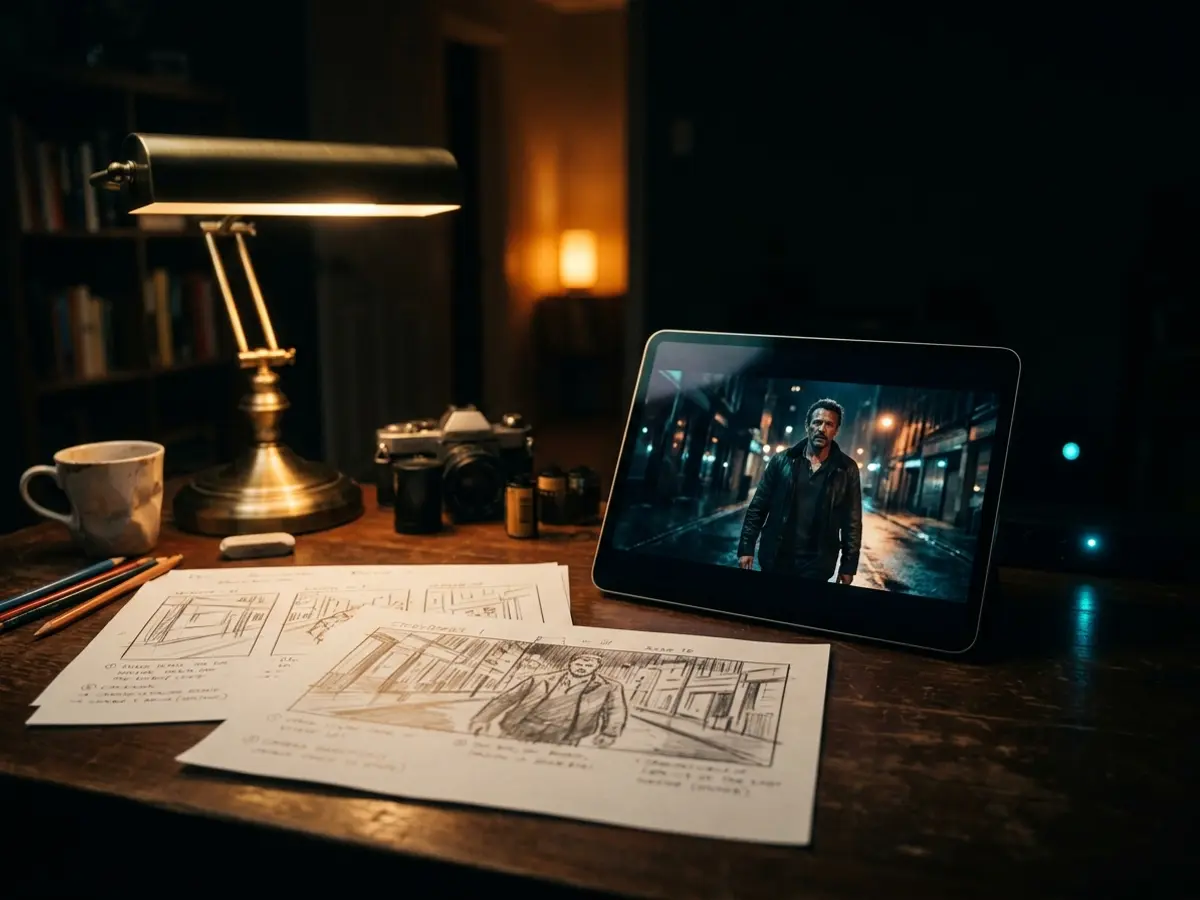
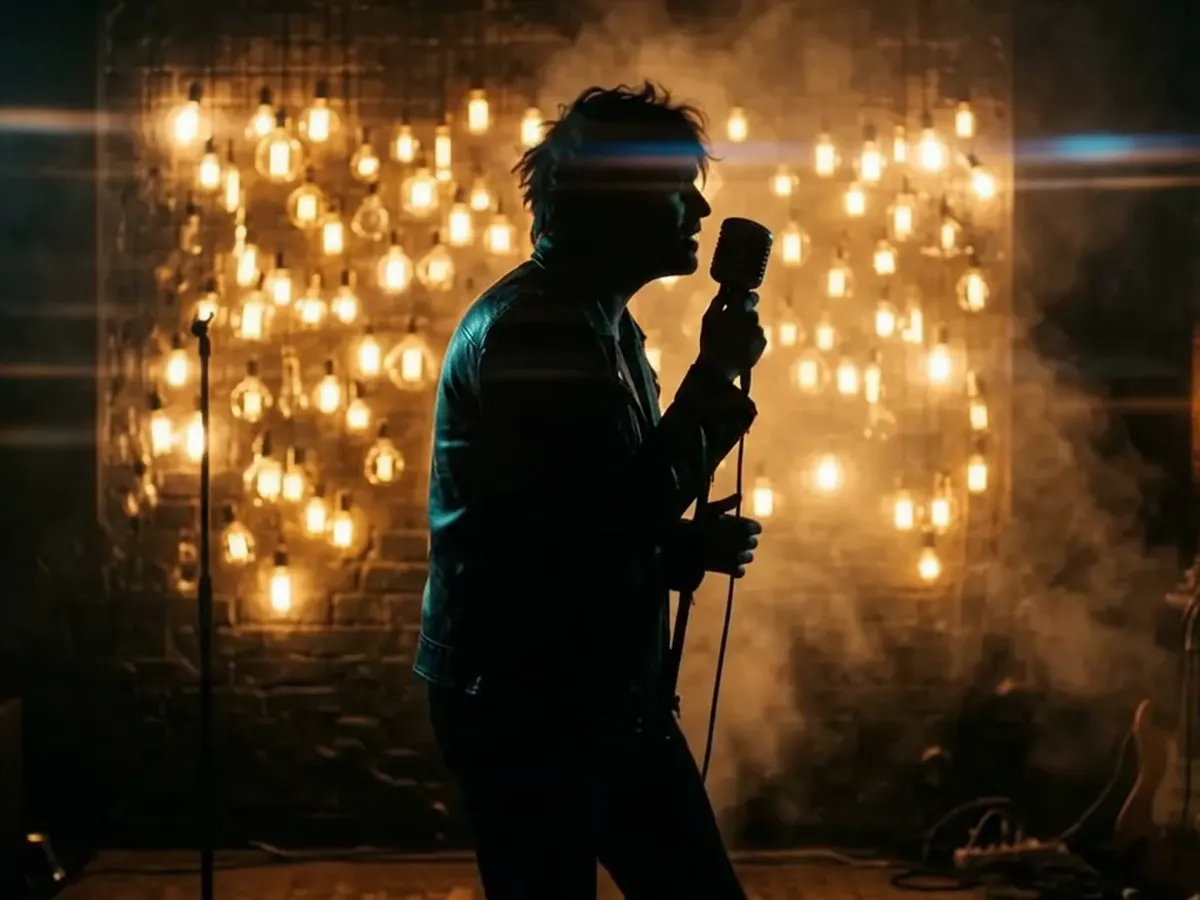
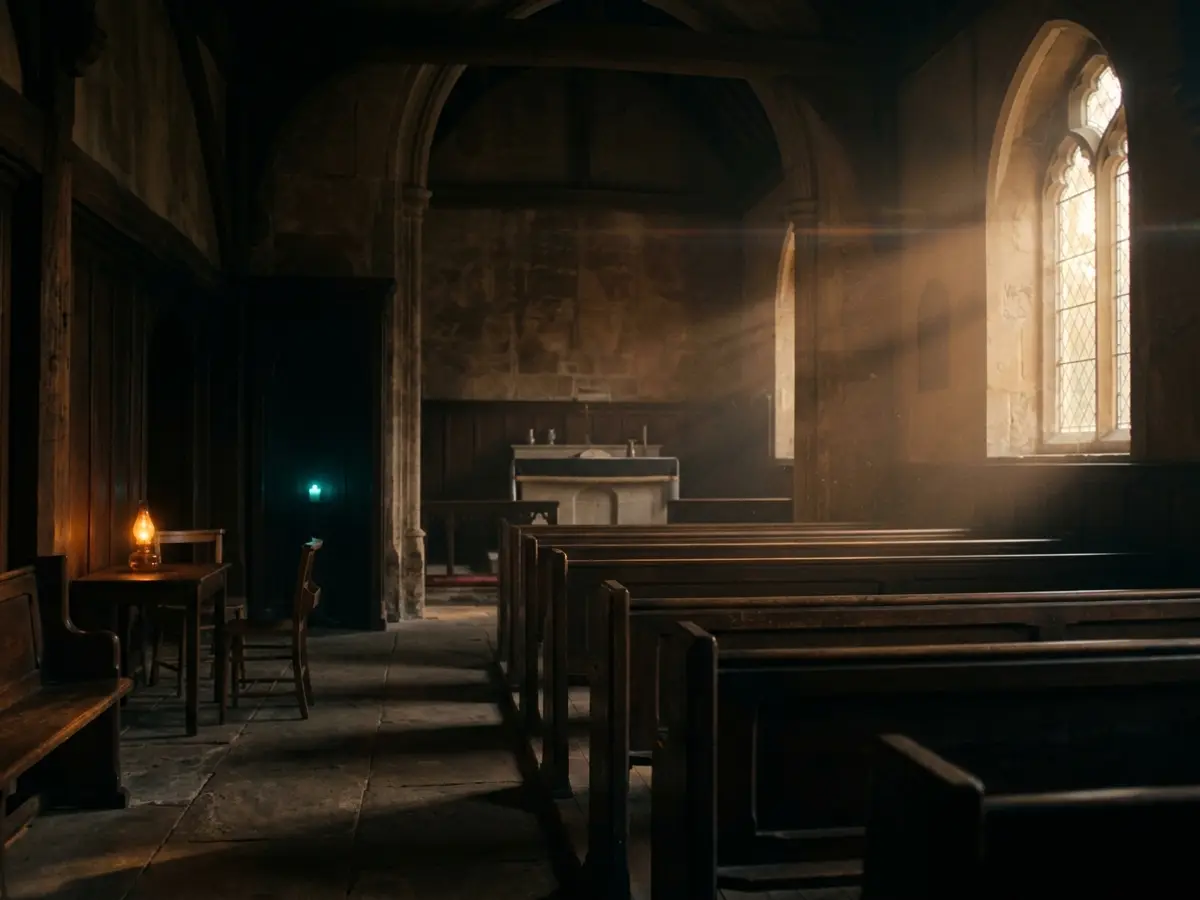
generate_imageGENERATIONStill frames — thumbnails, hero shots, portraits, atmosphere stills.
Stills, video and frame-chained shots from the chat you already use, billed to your FXI credits. Fourteen tools, one URL.
https://mcp.fxi.studio/mcpOpens Claude's connector dialog with FXI prefilled. Sign in with your FXI Studio account. For other agents, paste the URL.
Try it in Claude
Each one opens a new Claude chat with the brief already written. Claude can ask before each tool runs, and every result reports the credits it used.
Three clips that hand off frame to frame, so the move never cuts.
A studio hero still, then a slow orbit from that exact frame.
A finished vertical take from a single brief, hook first.
Three consistent views of one character, ready to cast.
Board four beats as stills, then chain them into motion.
Three lighting looks for one shot, then motion on the winner.
A still and a slow push-in, with room left for your words.
Works with your agent
One server URL. Your client asks you to sign in to FXI Studio, so there is no key to paste. Generations bill to your FXI credits.
https://mcp.fxi.studio/mcpWorks on every Claude plan. Free plans allow one custom connector.
https://mcp.fxi.studio/mcpOn a Team or Enterprise plan, an Owner adds the connector once under Organization settings then Connectors, and members click Connect. Prefer a desktop extension? Download fxi-studio.mcpb, open it in Claude Desktop and paste your FXI key.
Any MCP client that supports remote servers works too. Point it at the URL above over Streamable HTTP.
Product names and logos belong to their owners and show compatibility only.
Verb-led, agent-native. Designed for the host to compose — not just wrappers of UI buttons.
generate_imageGENERATIONStill frames — thumbnails, hero shots, portraits, atmosphere stills.
generate_videoGENERATIONShort video from a prompt, a first-frame image, or a frame pair.
frame_chainGENERATIONSeamless A→B→C transitions. First-frame / last-frame video synthesis.
compose_sceneDIRECTOROne short clip from a written brief, with your saved characters and an opening image.
list_modelsDIRECTORList the available image and video models by role, with the model value to pass to generate_image or generate_video.
list_charactersDIRECTORYour saved characters and recent stills, with the ids the scene tools take.
get_taskDIRECTORPoll an async frame_chain or compose_scene job for scene progress.
get_creditsACCOUNTRead the meter — credits remaining and current tier.
get_generationACCOUNTPull back any past generation by ID — images or video.
cancel_generationACCOUNTStop a take that is still rendering. Its credits come back in full.
create_upload_urlMEDIABring your own still, clip or audio: a private upload link for the file.
confirm_uploadMEDIACheck an upload landed whole (size, type, length) before you use it.
upload_from_urlMEDIACopy a public file into your FXI storage by link.
upload_media_dataMEDIASend a small file inline when the agent has no network access.
Real FXI Studio output. Sign in once, create from any chat.
Generate inside the chat
Your agent calls FXI’s tools, and your agent app may ask before each one runs. Every result reports the credits it used.
Frame-chain transitions
A → B → C: each clip starts on the last frame of the one before, so the shot never cuts.
Consult the director
Ask for a shot list: your agent casts each shot from Bezaleel’s crew, with references from your library.

